 HopBedrock
For iPhone, iPad and Mac
Join any Bedrock server from your console.
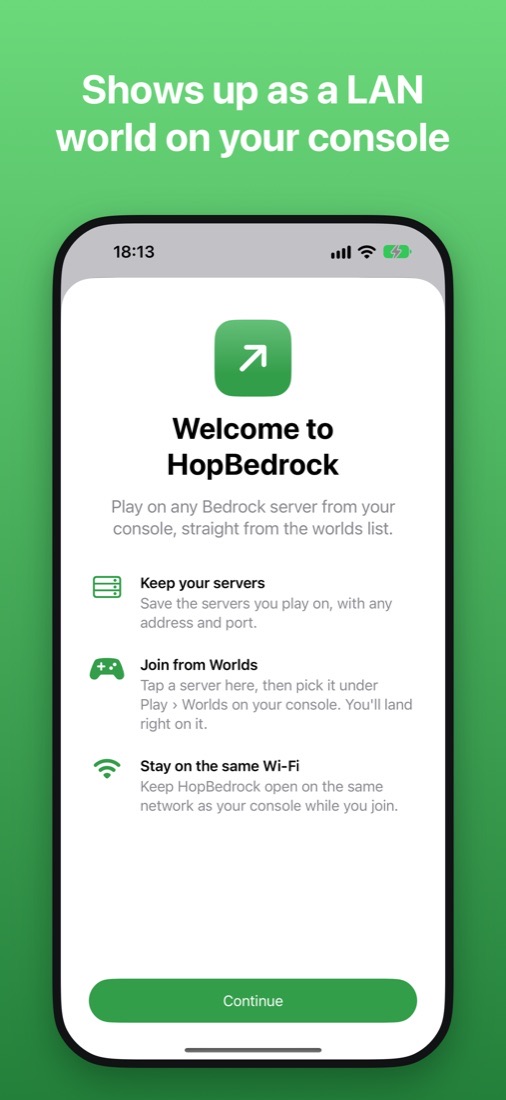
Consoles only let you join a handful of featured servers. HopBedrock shows up as a LAN world on your network instead. Join it, and you're sent straight to the server you picked. No DNS changes, no router settings, nothing to install on your console.
Coming to the App Store The download link will live here.
How it works
-
Save your servers
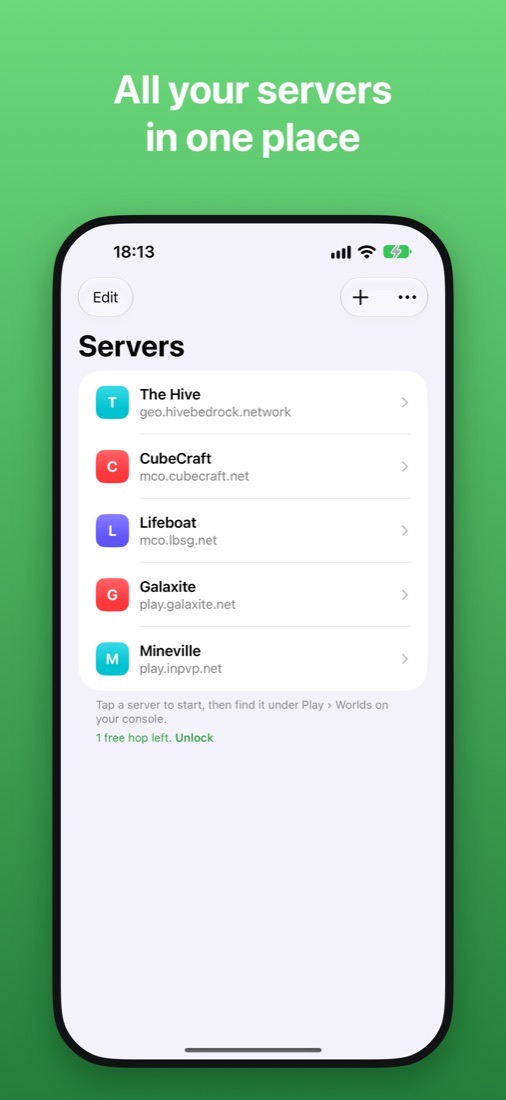
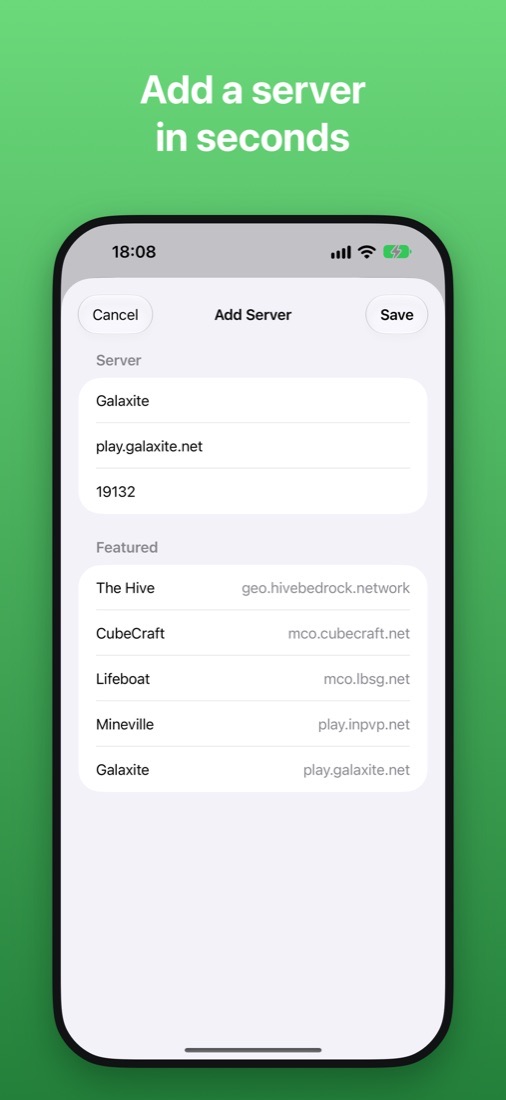
Add the servers you play on, with any address and port. A few popular ones are there to start with.
-
Tap one to start
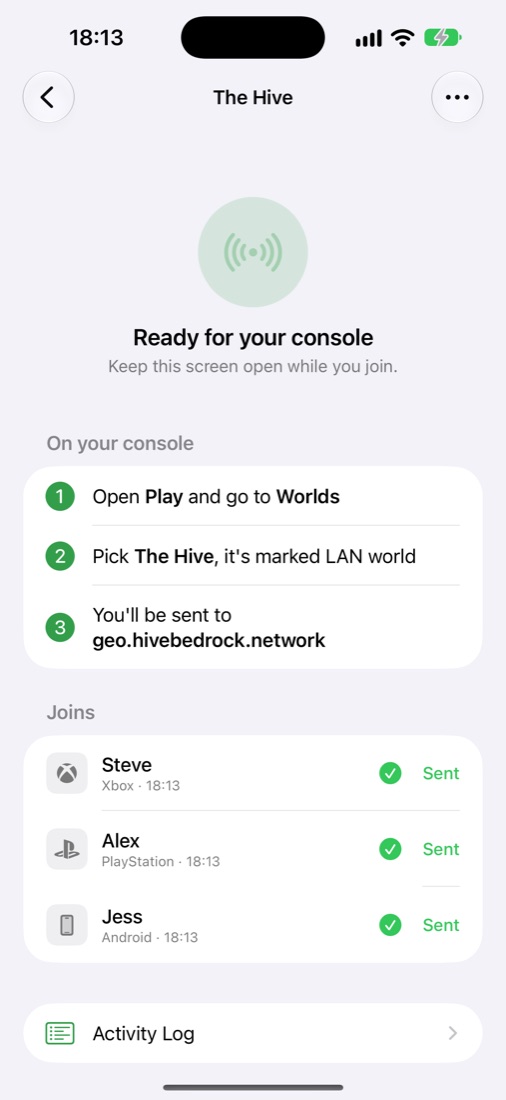
HopBedrock starts showing that server as a LAN world to everything on your Wi-Fi.
-
Join from Worlds
On your console, open Play, go to Worlds and pick it. It's marked LAN world.
-
You're on the server
A moment later the game moves you onto the real server. HopBedrock shows who joined and from which device.
Screenshots
Support
My console doesn't see the LAN world
Make sure your console and the device running HopBedrock are on the same Wi-Fi network, and that HopBedrock is open on screen with the server selected. On iPhone and iPad, check Settings › Privacy & Security › Local Network and make sure HopBedrock is allowed. Guest networks and some mesh or school networks block devices from seeing each other, and nothing on your phone can get around that.
I see the world but joining fails
HopBedrock hands your console the server's address, and your console connects to it directly. If the server is down, the address is wrong, or your console can't reach the internet, the join fails on the console's side. Check the address and port in HopBedrock, and that you can reach other servers.
Does it work on Switch?
The Switch version of the game may not list LAN worlds that come from other devices, so HopBedrock may not appear there. It has been tested working with PlayStation, phones and tablets.
Do I need an online subscription on my console?
Your console's own rules for playing online still apply. If your platform needs a subscription to join servers, it still does with HopBedrock.
How does pricing work?
Your first 5 hops are free. A hop counts when a console actually leaves for the server, and one session counts once however many people join. After that, a one-time purchase unlocks unlimited hops on every device signed in to your Apple Account. There's no subscription. If you got a code, use Redeem Code on the unlock screen.
Can I share a server with a friend?
Yes. Long-press a server (or right-click on a Mac) and choose Share. Your friend gets a link that opens straight into HopBedrock with the server filled in.
Still stuck?
Email llsc12.dev@gmail.com and say which device and console you're using.